Frankos Chiropractic Blog
How to Fix “Tech Neck” in Cache Valley
Helpful patient education for Smithfield, Logan, and Cache Valley.
Tech Neck Guide • Smithfield, Logan & Cache Valley
How to Fix “Tech Neck” from Phones & Computers in Cache Valley
Phones, laptops, tablets, desk work, studying, driving, and long screen days can all push the head forward and overload the neck, upper traps, shoulders, and upper back. This guide explains what tech neck is, how to calm it down, what posture changes actually matter, and when it is time to schedule an evaluation.
Tech neck is not just “bad posture.” It is repeated loading your neck never gets a break from.

The fix is usually not one magic stretch. The better plan is to reduce the repeated forward-head position, restore comfortable neck and upper back motion, build support around the shoulders, and stop irritating the same tissues all day.
Frankos Chiropractic is located at 115 N Main St in Smithfield, Utah, serving patients from Logan, North Logan, Hyde Park, Richmond, Lewiston, Providence, Hyrum, Nibley, Wellsville, Cache Valley, and nearby Southeast Idaho.
Before trying home care
First, know when neck pain needs urgent medical attention.
Most tech-neck symptoms are not emergencies, but some neck pain patterns should be checked urgently instead of managed with stretches or posture changes.
Get urgent care now if neck pain comes with any of these symptoms.
- Severe neck pain after a major fall, crash, or trauma.
- New or progressive weakness, numbness, clumsiness, or loss of coordination.
- Fever, severe neck stiffness, confusion, or feeling very unwell.
- Severe sudden headache, vision changes, facial droop, trouble speaking, chest pain, or symptoms that feel life-threatening.
- Pain, numbness, or tingling traveling into the arm that is worsening or not calming down.
This article is educational and does not replace emergency care, diagnosis, or a personalized exam.
What is tech neck?
Tech neck happens when phone and computer posture repeatedly overload the same tissues.
“Tech neck” is a practical name for neck and upper back symptoms that build from repeated device posture. It often shows up after long days of looking down at a phone, leaning toward a laptop, working with a low monitor, studying, gaming, driving, or sitting without enough posture changes.
Common patterns people feel with tech neck.
- Neck stiffness or soreness after work, school, driving, or phone use.
- Upper trap tension that feels like the shoulders are stuck near the ears.
- Headaches that start near the neck or base of the skull.
- Shoulder-blade tightness, upper back stiffness, or rounded shoulders.
- Neck fatigue, limited rotation, or discomfort looking up after looking down.
Why the “fix” has to be more than sitting up straight.
Posture advice fails when it only says “sit up.” People need a setup that makes better posture easier, regular movement breaks, and a plan for neck, upper back, shoulder, and chest mobility.
At Frankos Chiropractic, tech neck is evaluated as a movement pattern. The exam may look at neck motion, upper back mobility, shoulder position, muscle guarding, headache patterns, and whether symptoms suggest nerve irritation or another concern.
First steps
The first tech-neck fix is to stop feeding the same irritated position.
If your neck is already irritated, do not start by forcing aggressive stretches. Start by changing the positions and habits that keep loading the neck all day.
Raise the device
Bring the phone, tablet, or monitor closer to eye level. The goal is not perfect posture. The goal is less time with the head hanging forward.
Change positions often
Short posture breaks every 20 to 30 minutes are often more realistic than trying to hold one perfect position for hours.
Move gently, not aggressively
Use comfortable range-of-motion movements. Stop if pain shoots into the arm, numbness increases, or symptoms feel sharper.
Unload the shoulders
Relax the shoulders away from the ears, keep elbows supported when possible, and avoid reaching forward to type or scroll for long periods.
Use heat or ice if helpful
Heat may help tightness and muscle guarding. Ice may help sharper irritation. Use short sessions with a towel barrier and choose what helps you move easier.
Get checked if it keeps returning
Recurring neck pain, headaches, shoulder-blade pain, arm symptoms, or stiffness that limits daily life is a reason to schedule an evaluation.
Phone and computer setup
Better ergonomics should make good posture easier, not turn your day into a posture workout.
Cache Valley patients often deal with tech neck from USU classes, remote work, long charting or computer hours, gaming, phones, and driving between towns. Small setup changes can reduce constant neck loading.
Bring the phone up
Hold the phone closer to eye level when possible. Rest your elbows on a desk, pillow, or armrest so your shoulders do not have to hold the phone up the whole time.
Separate screen and keyboard
A laptop stand plus external keyboard and mouse can help keep the screen higher without forcing your shoulders to reach forward all day.
Place the screen straight ahead
Keep the main monitor in front of you instead of off to the side. A screen that is too low, too far away, or angled can keep the neck rotated or flexed.
Keep elbows supported
Bring the keyboard and mouse close enough that you are not reaching. Let the shoulders relax rather than hovering forward.
Support the low back
Neck posture is affected by the rest of the spine. A chair and desk height that support the low back and feet can make the neck work less.
Use posture resets
Stand up, breathe, roll the shoulders, move the neck gently, and change position before the neck is already flared.
Gentle movement plan
Try easy movements that restore motion without poking the bear.
Use these as general education, not a diagnosis. Keep movements mild and comfortable. A good rule is that symptoms should not sharply worsen during or after the movement.
1. Chin tuck reset
Gently slide the head straight back like making a double chin. Hold 2 to 3 seconds, then relax. Do not jam the neck backward.
2. Shoulder blade squeeze
Gently bring the shoulder blades back and down. Keep the ribs relaxed and avoid shrugging. Hold 3 to 5 seconds.
3. Neck rotation
Slowly turn your head left and right through a comfortable range. Stop before sharp pain, dizziness, or arm symptoms.
4. Upper trap breathing reset
Let the shoulders drop, breathe into the lower ribs, and relax the jaw. This helps reduce the “shoulders up to the ears” pattern.
5. Doorway pec stretch
Use a gentle doorway stretch for the front of the chest if it feels good. Keep it mild and avoid numbness, tingling, or shoulder pinching.
6. Thoracic extension
Use the back of a chair or a foam roller to gently extend the upper back. The goal is motion through the upper back, not cranking the neck.
Start small. A few comfortable reps spread through the day usually beats one aggressive stretching session after symptoms are already flared.
Common mistakes
What to avoid when trying to fix tech neck.
Many people make tech neck worse by chasing relief too aggressively or by fixing the chair without changing the habits that caused the overload.
Avoid these common traps.
- Forcing deep neck stretches that reproduce arm pain, numbness, tingling, or headaches.
- Working for hours in the same position and then expecting one stretch to erase it.
- Using the phone in bed with the neck flexed for long periods.
- Ignoring symptoms that are worsening, spreading, or affecting strength and coordination.
- Only adjusting the neck without addressing upper back, shoulders, desk setup, and habits.
Use the “less irritation, more variety” rule.
The goal is not a perfect posture. The goal is to avoid being stuck in one posture for too long. Your neck usually tolerates screen time better when the setup is better, movement happens more often, and the upper back and shoulders share the workload.
When home care is not enough
How chiropractic care may help tech neck, neck pain, and posture-related headaches.
At Frankos Chiropractic, tech neck care is exam-based. The visit may include neck and upper back assessment, posture and mobility checks, muscle guarding evaluation, headache screening, chiropractic adjustments when appropriate, soft tissue therapy, and home movement recommendations.
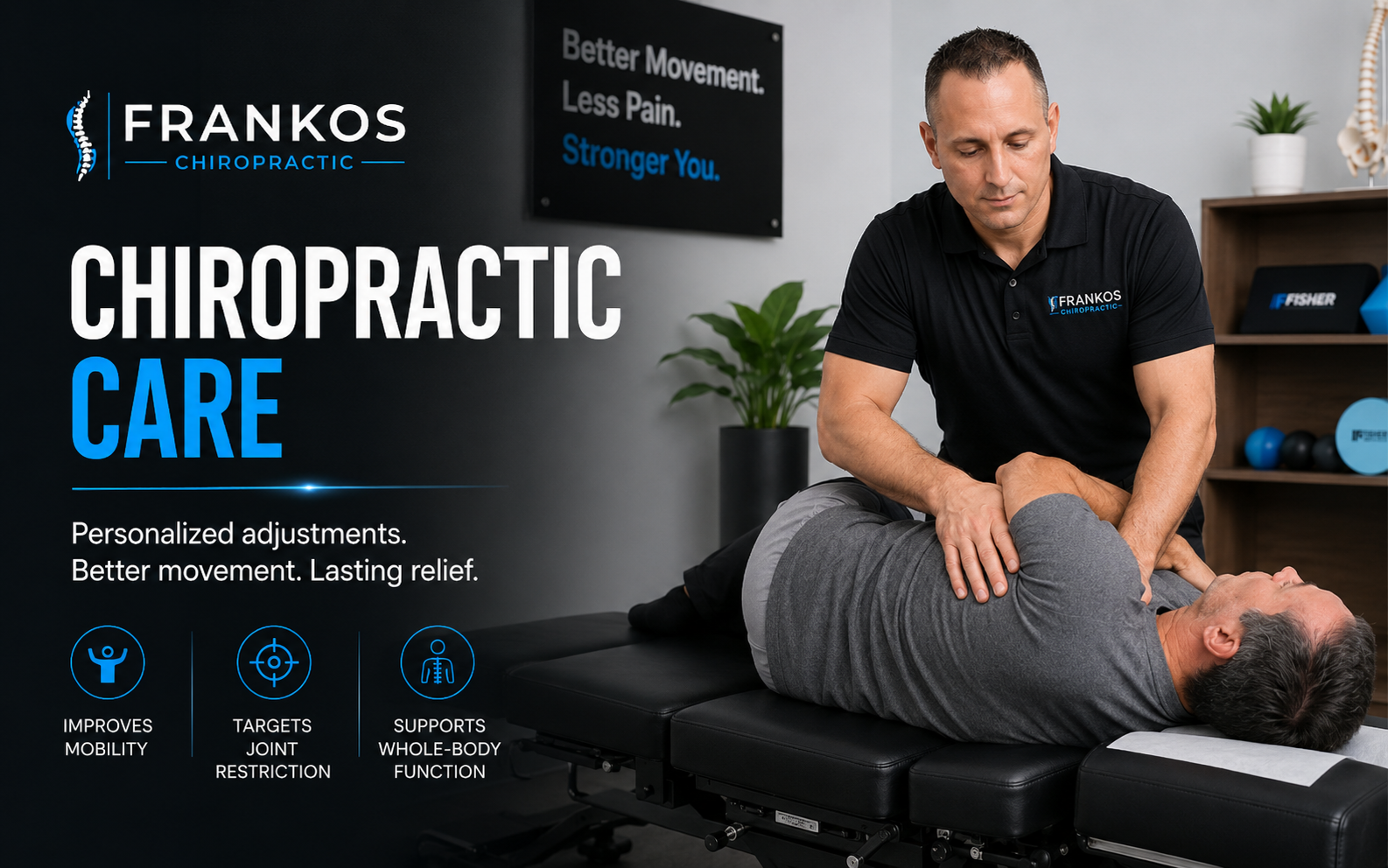
Chiropractic Adjustments
Specific chiropractic care may be considered when restricted neck, upper back, rib, or shoulder-region motion contributes to symptoms.
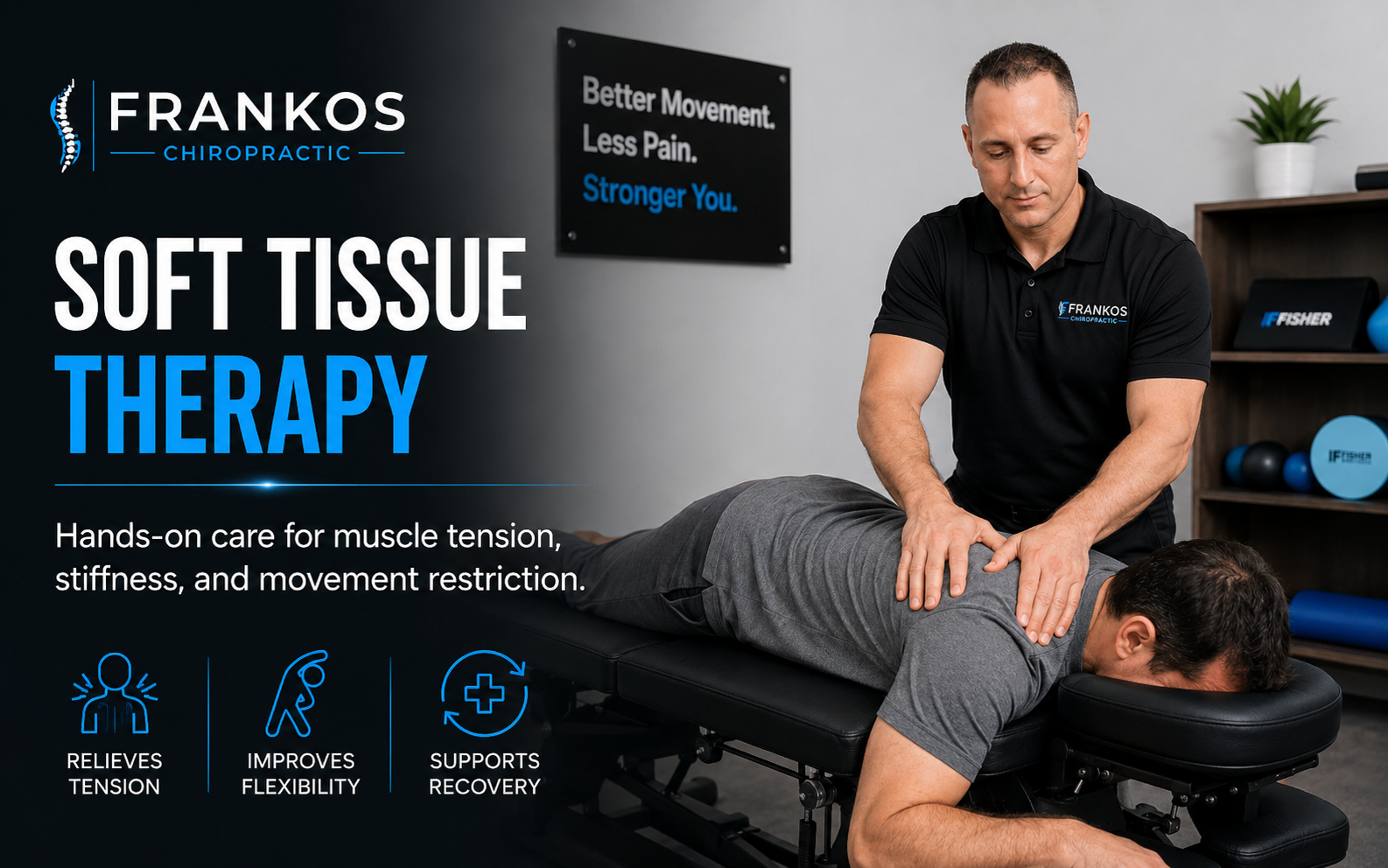
Soft Tissue Therapy
Soft tissue work may help tight upper traps, neck muscles, shoulder-blade tension, and guarded areas that keep the neck feeling stuck.
Posture & Mobility Care
Care may include workstation advice, movement resets, upper back mobility, and simple home strategies that fit real work and school schedules.
Neck Pain Evaluation
Evaluation can help determine whether symptoms look like posture overload, muscle guarding, joint restriction, nerve irritation, or something that needs referral.
Headache-Related Neck Tension
Some headaches involve the neck, upper traps, base of skull, posture, or stress-related muscle guarding. The exam helps narrow the pattern.
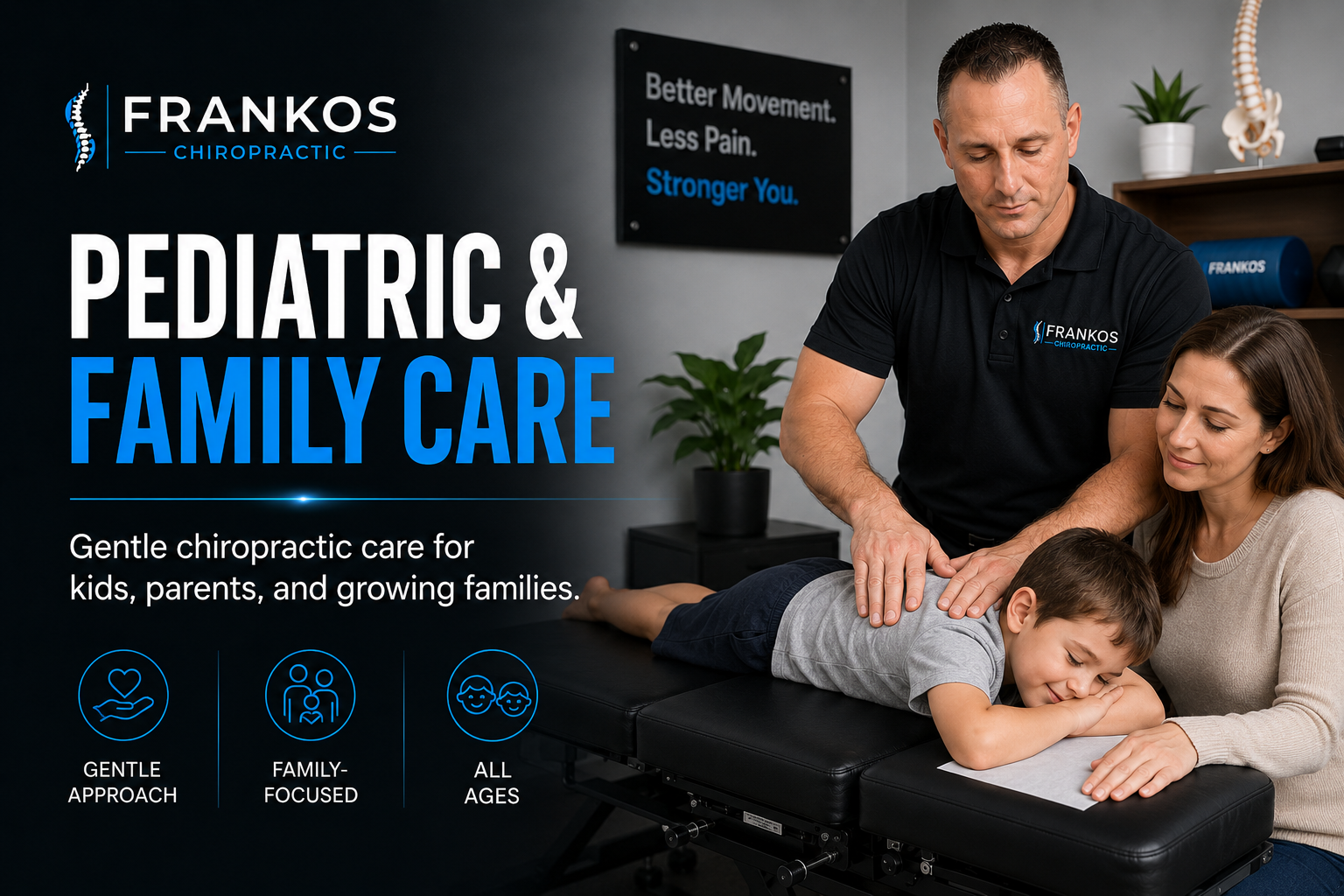
Student & Family Care
Students often deal with laptops, phones, backpacks, studying, sports, and long sitting. Care is adapted to age, comfort, and exam findings.
Local relevance
Tech neck care for Smithfield, Logan, USU students, desk workers, and Cache Valley families.
People in Cache Valley spend a lot of time on computers and phones: students, parents, office workers, healthcare workers, business owners, drivers, gamers, and athletes. The right plan should fit real life, not just a perfect ergonomic diagram.
Smithfield
Frankos Chiropractic is located at 115 N Main St in Smithfield, Utah.
Nearby careNear Logan
Patients from Logan and USU can visit the Smithfield office for neck pain, headaches, posture care, and chiropractic evaluation.
Cache ValleyNorth Logan
North Logan patients often schedule for neck stiffness, upper trap tension, headaches, desk strain, and wellness visits.
Not sure if your neck pain is “tech neck”?
You do not have to diagnose yourself before booking. Schedule an exam-focused visit and we will help determine whether the pattern looks like posture overload, joint restriction, muscle guarding, headache-related neck tension, nerve irritation, or something that needs a different type of care.
Tech neck FAQs
Common questions about tech neck, phones, computers, and neck pain.
These answers are educational. A specific plan depends on your history, exam findings, goals, and whether chiropractic care is appropriate.
What is tech neck?
Tech neck is a common term for neck, upper back, shoulder, and headache symptoms that can build from repeated phone, tablet, laptop, or computer posture. It often involves forward-head posture, rounded shoulders, tight upper traps, and limited neck or upper back motion.
Can tech neck cause headaches?
Yes. Some headache patterns can involve neck tension, posture, upper cervical restriction, muscle guarding, or irritation around the base of the skull. Headaches with severe sudden onset, neurological symptoms, fever, confusion, or trauma should be evaluated urgently.
What is the best first step for tech neck at home?
The best starting point is usually to reduce the repeated position that keeps irritating the neck. Raise screens, bring the phone closer to eye level, take short movement breaks, and use gentle neck and upper back mobility instead of forcing aggressive stretches.
How often should I take breaks from computer or phone posture?
A practical goal is to change position often. Short movement breaks every 20 to 30 minutes can help many people avoid staying in the same forward-head posture for long stretches.
Should I stretch my neck if it hurts from tech neck?
Gentle mobility may help, but aggressive stretching can make some neck or nerve symptoms worse. Keep movement mild, stay in a comfortable range, and stop if pain shoots into the arm, numbness increases, or symptoms worsen.
When should I see a chiropractor for tech neck?
Consider scheduling if neck stiffness, upper trap tension, headaches, or shoulder-blade discomfort keeps returning, limits work or school, follows long phone or computer use, or does not improve with basic posture and movement changes.
Ready to stop letting screen time run your neck?
Schedule a visit at Frankos Chiropractic in Smithfield, Utah. We will help you understand what is going on, what care may make sense, and what changes you can make at work, school, or home.